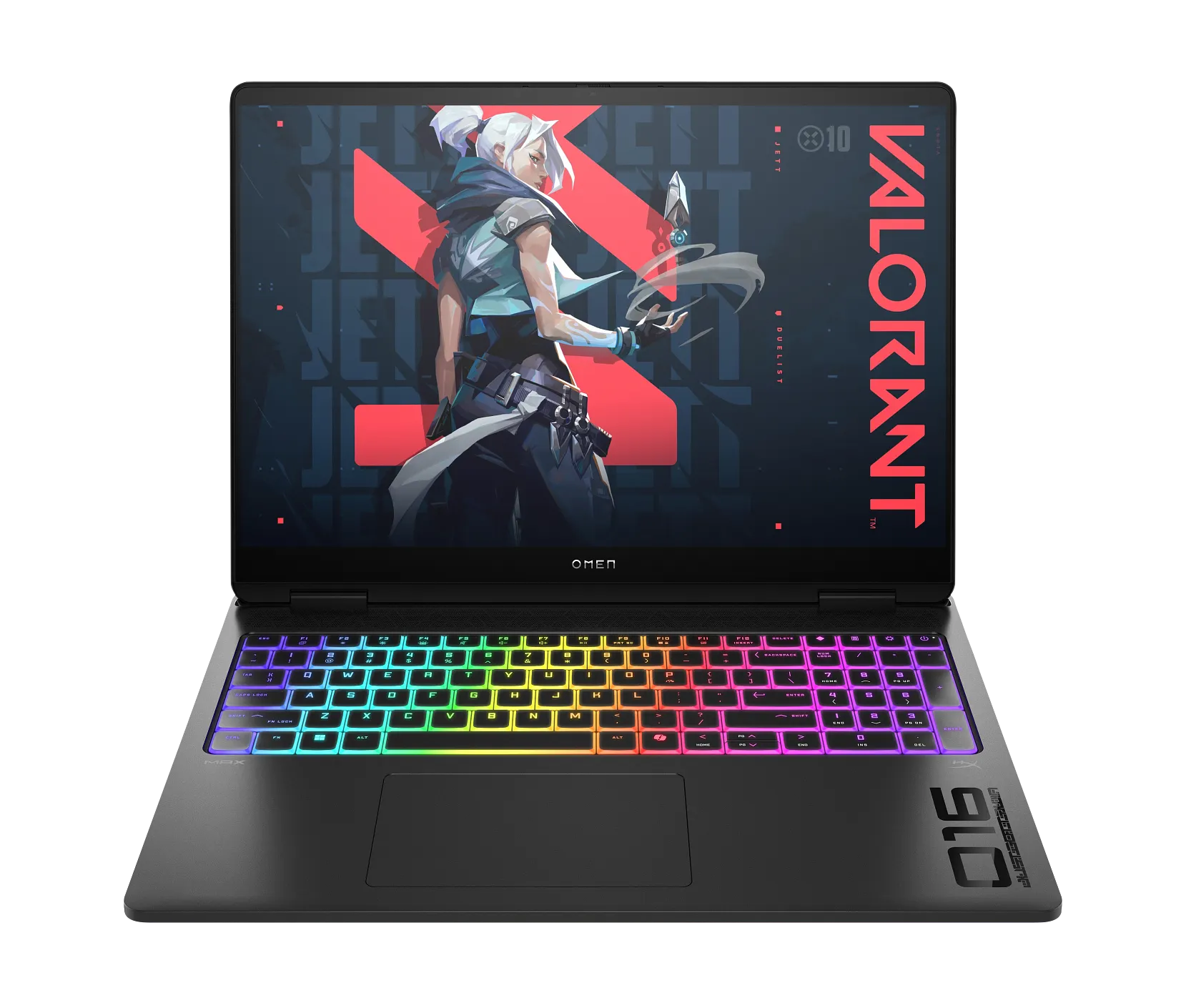
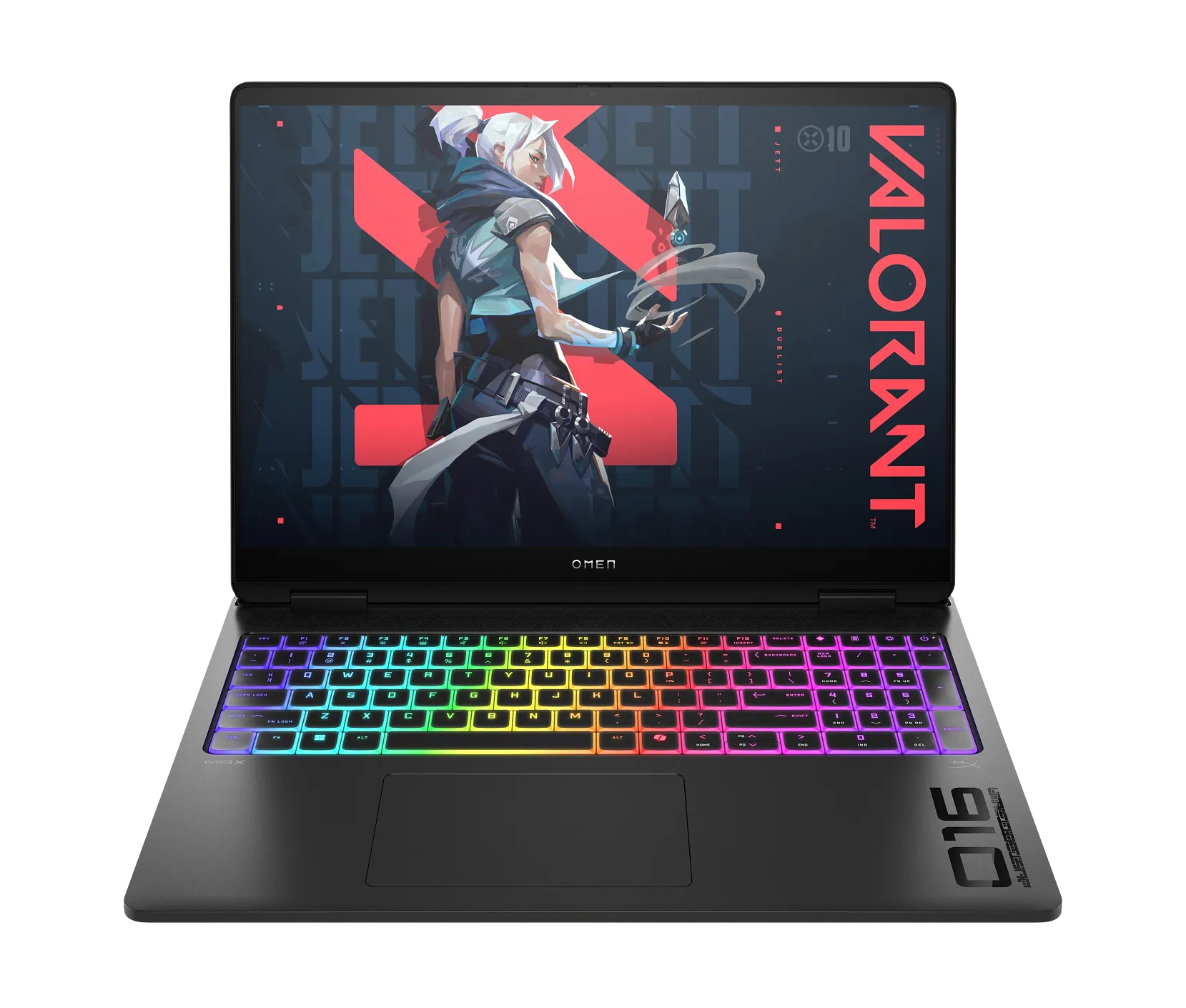
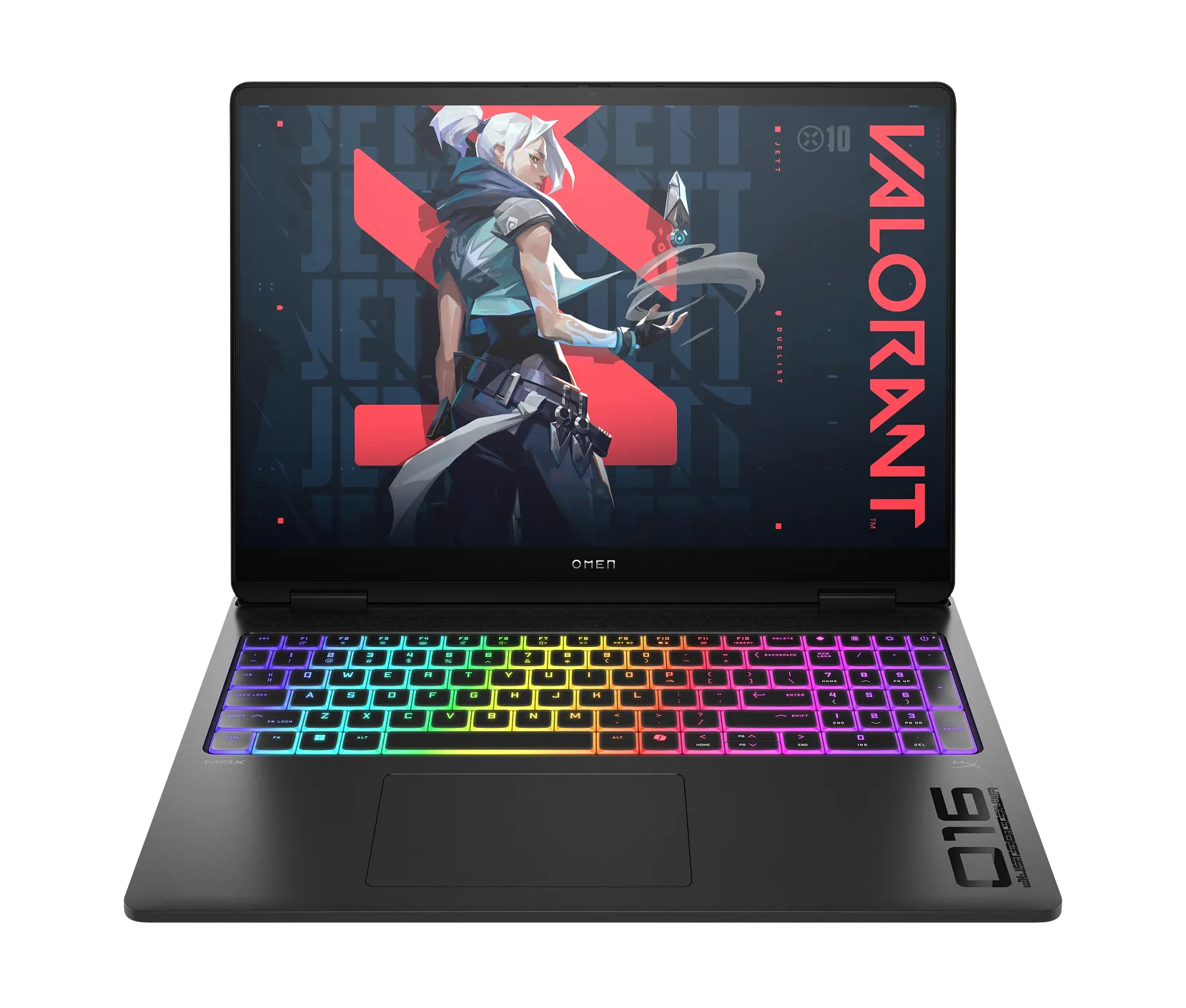
Gaming Laptops in Kenya: Practical Power for Play and Study
Gaming laptops in Kenya are portable computers with a dedicated graphics processor, a fast processor and a high refresh rate display for smooth gameplay. They sit within the Laptops & Computers range beside business models, and the priorities differ: you accept more weight and shorter battery life in return for graphics headroom and cooling. This category suits students who want one machine for coursework and games, and creators editing video on the move. Since one device handles play, study and streaming, practical value depends on RAM, storage capacity and cooling that keeps performance steady.
Key Types & Technologies in Gaming Laptops
- Dedicated Graphics Processor: A separate graphics chip that renders game visuals instead of relying on the processor's built-in graphics. It lets you run demanding titles at higher settings and also speeds up video editing and 3D work.
- High Refresh Rate Display: A screen that refreshes more times per second, so fast motion looks smoother in shooters and racing games. Confirm the refresh rate in the specification table, as it varies between models.
- Multi-Core Processor: A CPU with several cores that runs game logic, background apps and streaming at the same time. You can record gameplay or keep a browser open without the game stuttering.
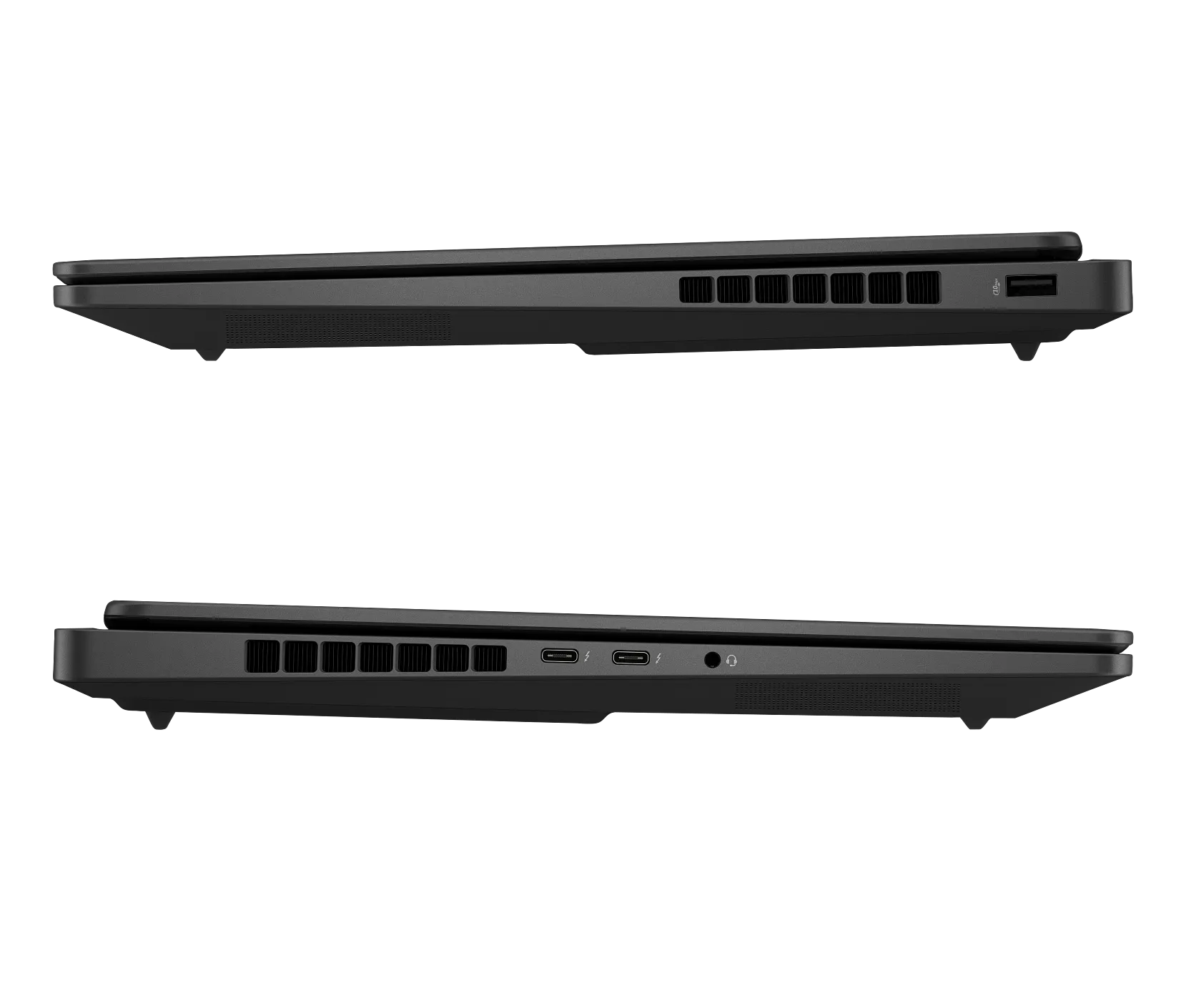
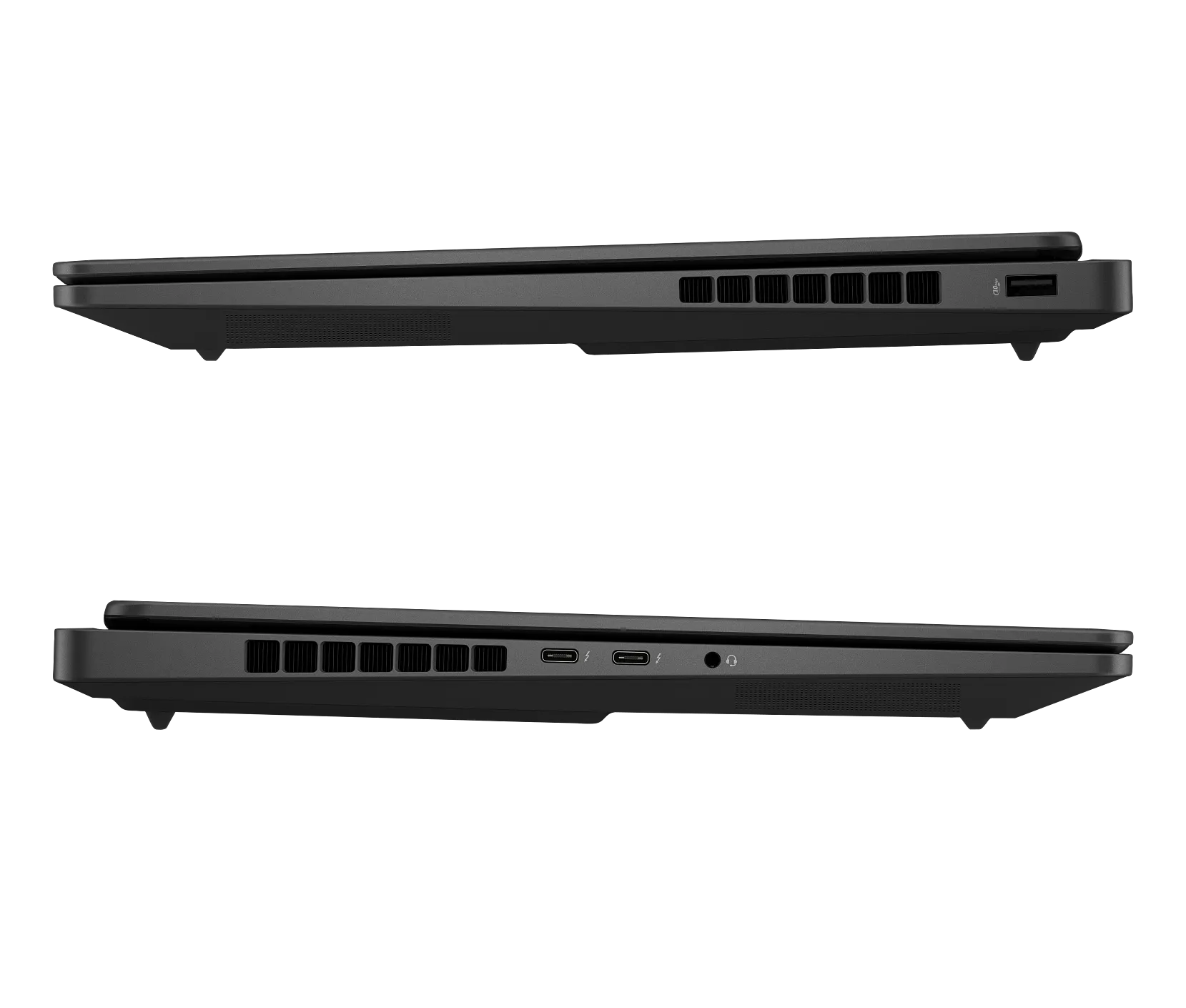
- Cooling System: Fans, heat pipes and vents that draw heat away from the processor and graphics chip. Good cooling helps you play long sessions without sudden slowdowns, which matters in a warm room.
- Upgradeable Memory and Storage: Slots for extra RAM and drives, so you can add capacity later. Not every model allows this, so check the upgrade options before ordering.
Which One Should You Pick?
- Your situation: Student on a budget who games occasionally. Prioritise a balanced processor and enough RAM for coursework, and accept a moderate graphics chip.
- Your situation: Home gamer who plays fast shooters. Put the graphics processor and display refresh rate first, since they most affect how smooth competitive games feel.
- Your situation: Content creator editing video between gaming sessions. Look for stronger graphics, more RAM and SSD storage, because editing timelines and large project files use these resources heavily.
- Your situation: Gamer who moves between rooms often. Consider a lighter chassis and check the weight and charger size, since heavier models with large adapters are harder to carry daily.
How to Choose the Right Gaming Laptop
- Check the graphics chip first: Confirm the graphics processor in the specification table, since it sets which games you can run at comfortable settings.
- Match RAM to your workload: Check how much memory is installed and whether free slots remain, so you know if later expansion is possible.
- Look at storage type and capacity: Confirm whether storage is an SSD, and count how many large games you want installed at once.
- Confirm the display specifications: Check resolution, refresh rate and panel size together, because a high refresh rate only helps if the screen supports it.
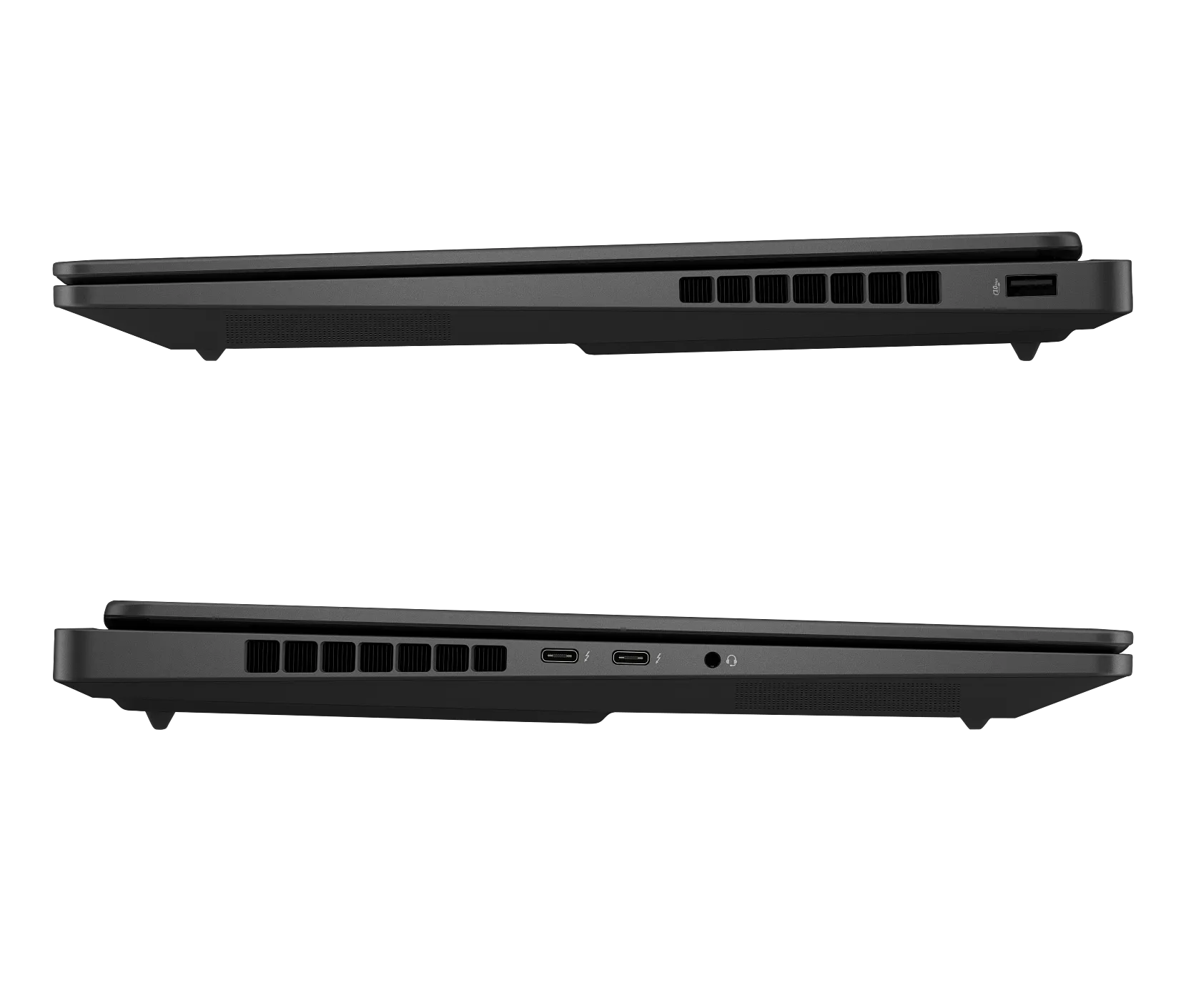
- Check power and size: Note the charger wattage, weight and port layout, especially if you plan to use an external monitor, mouse or wired network connection at your desk.
Common mistakes to avoid: Buying on processor and screen size alone while ignoring graphics and cooling, assuming the battery will carry a long gaming session unplugged, and overlooking the charger size if you plan to carry the machine every day.
Frequently Asked Questions
Q: How can I compare gaming laptops in Kenya before buying?
Use the product grid above to compare graphics, processor, RAM, storage and display specifications side by side. Open each product page to see the live price and availability, as these can change.
Q: What is the difference between a gaming laptop and a business laptop?
A gaming laptop prioritises a dedicated graphics chip, a high refresh rate display and stronger cooling, while a business laptop usually focuses on portability, battery life and security features. Gaming models tend to be heavier and use larger chargers.
Q: Is a gaming laptop suitable for a student?
Yes, if you want one machine for coursework, research and occasional games. Choose a model with enough RAM and SSD storage, and expect it to be heavier to carry than a basic notebook.
Q: How much RAM and storage do I need for modern games?
Check each game's listed minimum and recommended requirements first. In general, more memory and an SSD give you more room for multitasking and a larger game library.
Browse the gaming laptops above and compare graphics, processor, memory, storage and display specifications before you order. If you are unsure which configuration suits your games or coursework, check the specification tables and compare two or three models side by side.